 How-to
On-Premise Asset Tracking Hardware: What You Need
Last Updated: 18 November 2026
Quick Summary
On-premise asset tracking hardware is the servers, storage, backups, network equipment and tracking devices you own and run in your own building, rather than in a cloud service. Sizing starts with your asset volume, concurrent users and the number of points where assets change hands. The right setup also depends on power protection, backups and a reliable network reaching every scanner.
- On-premise is commonly justified at 10,000 or more assets with complex needs, per one vendor guide.
- Size server storage for the history you keep, since every scan is a stored record.
- Match server capacity to concurrent users rather than total headcount.
- Include a UPS, mirrored storage and a separate, tested backup target in the plan.
- Segment tracking traffic on its own network so readers reach only the tracking server.
Table of Contents
- What On-Premise Asset Tracking Involves
- Asset Tracking Server Requirements
- Asset Tracking Scanners and Barcode Readers
- RFID Asset Tracking Equipment
- Asset Tracking Network Requirements
- Sizing Hardware by Asset Volume and User Count
- Planning Your On-Premise Hardware Purchase in Harrogate
- Booking a Hardware Review With Hamilton Group
- Frequently Asked Questions
What On-Premise Asset Tracking Involves
On-premise asset tracking means the software, servers and database that record your assets sit on hardware you own and run in your own building, rather than in a cloud service, so your asset tracking hardware stays under your direct control.
Asset tracking itself is the practice of knowing where equipment is, who holds it, and whether it is still working. Systems do this with tags, labels and readers, feeding location and status data into a register that staff can search and report on. The asset tracking hardware you choose depends on what you are tagging and where it sits.
Market data points in the same direction. Hardware accounted for 58.14% of the asset-tracking market in 2025 (Mordor Intelligence asset-tracking market share report). That figure is global rather than UK-specific, but it shows that physical devices remain a substantial part of any deployment. Software, by contrast, is forecast to grow at an 11.20% compound annual rate through 2031 according to the same source, so the software side is growing faster.
A useful vendor guide frames on-premise as justified in particular conditions: 10,000 or more assets with complex requirements, or strict data rules in a highly regulated sector (Unio24 asset tracking system selection guide). Below that scale, a hosted option is often simpler to run. Treat that threshold as a rule of thumb from one vendor, not an official standard.
Asset Tracking Server Requirements
An on-premise server needs enough processing power, memory and storage to run the tracking application and its database without slowing down. For most small and mid-sized deployments, a single well-specified server or a small virtual host is enough. The practical question is how to size it, and that comes down to four numbers: asset records, concurrent users, scan events per day and retention period.
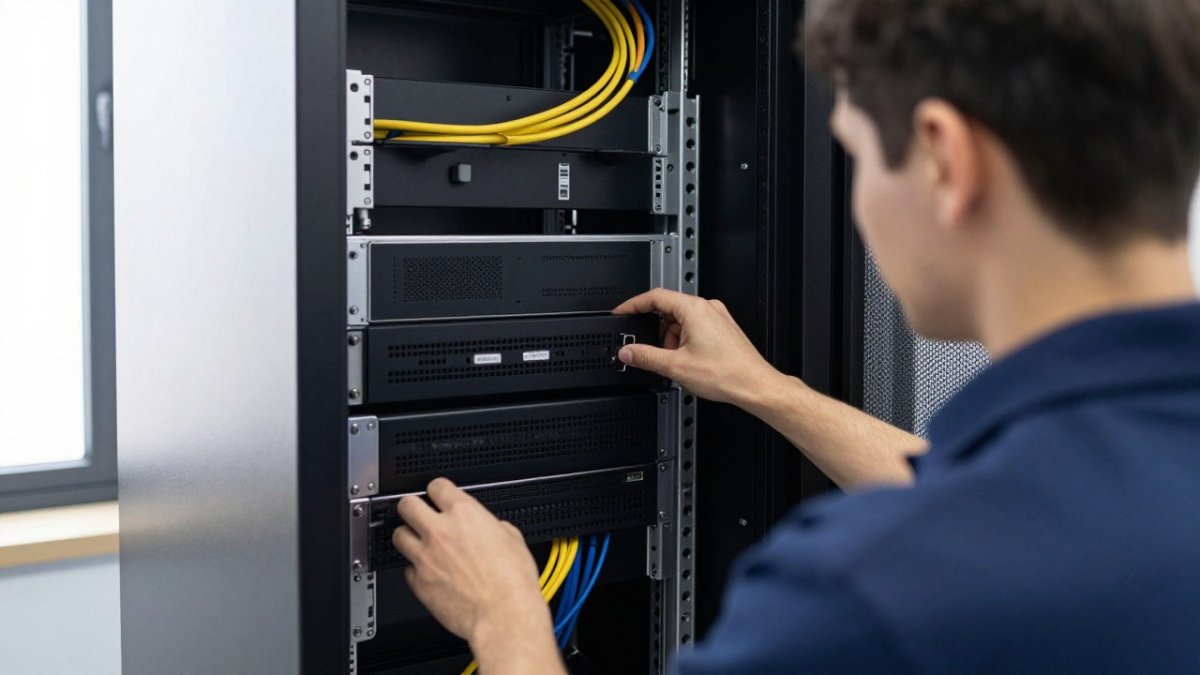
The storage pressure comes from history: every scan, location update and status change is a row, so size storage for the history you expect to keep rather than for the current asset count.
Memory and processing should be matched to concurrent users rather than total headcount. A site with five simultaneous users scanning and reporting needs far less than a multi-site operation with thirty or forty concurrent sessions.
Resilience matters more than raw speed, so plan for power protection, storage redundancy and separate backups. A practical on-premise bill of materials usually includes:
- An application and database server (physical or virtual host)
- Mirrored or RAID-protected storage, sized to the five-year estimate
- A UPS sized to carry the server and network equipment through short outages
- A separate backup target, a NAS, a second server or an off-site copy, with a tested restore procedure
- Network switches and cabling for the tracking segment
- Operating system and database licences, plus any tracking-software licences
Plan the operating system and database licences alongside the hardware, and check that the tracking software supports your chosen platform before you buy.
Security and recovery belong in the same plan, including restricting who can reach the server and keeping the operating system and database patched.
Asset Tracking Scanners and Barcode Readers
Barcode scanning is a common way to check equipment in and out. Handheld scanners suit staff who walk between sites or storerooms, while fixed scanners suit a loading bay or equipment desk where items pass one at a time.
RFID Asset Tracking Equipment
RFID lets you read many tags at once without line of sight, which speeds up stocktakes and suits high-value equipment moving through doors or gates. The kit has three parts: tags on the assets, readers that pick up the signal, and antennas that define the read zone.
RFID costs more than barcodes, and tag placement affects performance, particularly on metal or liquid-filled items. Run a site survey before buying readers, and check which frequency band your tags use so it suits your setup.
Asset Tracking Network Requirements
Each reader, scanner dock and tracking server needs a stable connection back to the on-premise server. Wired Ethernet is the safest choice for fixed readers and servers. Handheld devices and mobile tags usually depend on Wi-Fi, so you need coverage in every area where they will be used, including storerooms and outbuildings that often have weak signal. Reliable connectivity also helps ensure that tracking hardware does not compromise safe working practices around machinery, a concern shared by Ursa Engineering.
It helps to think of the on-premise architecture as a short chain of data flows. A scanner or fixed reader captures a tag or barcode, sends the reading over Ethernet or Wi-Fi to an access point or switch, which passes it to the application server. The application writes the event to the database, and reports and alerts are served back to staff devices on the same network. Backups run from the server to a separate target. Every link in that chain needs to be reliable, because a weak Wi-Fi signal at the point of scan is just as damaging as a failed server.
Segment the tracking network from general office traffic where you can, and restrict which devices can reach the server. A common pattern is a separate VLAN for readers and handhelds, with firewall rules that allow only the tracking application ports through to the server. This limits the blast radius if a device is lost or misconfigured, and it makes it easier to diagnose faults because tracking traffic is isolated from everyday browsing.
Make sure your broadband or leased line has enough capacity, and that you have a plan for when the connection drops. On-premise tracking should keep working locally if the internet fails, so confirm that the application and database do not depend on an external service for core check-in and check-out. If remote sites need to feed data back to a Harrogate server, plan a site-to-site link or a store-and-forward arrangement rather than assuming the public internet will always be available.
Sizing Hardware by Asset Volume and User Count
Sizing starts with two numbers: how many assets you will track, and how many people will record movements at the same time. A few hundred assets used by five people needs far less than tens of thousands of assets used across several sites.
As a working approach, estimate the number of readers or scanners from the number of points where assets change hands, not from the asset count alone. Add a spare device for each critical location. Keep server capacity matched to database growth over three to five years. Where volumes approach the 10,000-asset threshold, get a specialist to review the design before you commit.
The article's sizing guidance reduces to a few checkpoints, summarised below.
| Factor | What to estimate | Note |
|---|---|---|
| Asset volume | Number of assets to track | Starting point for sizing |
| Concurrent users | People recording movements at once | Drives server capacity |
| Reader count | Points where assets change hands | Not the same as asset count |
| Spare devices | One per critical location | Covers failures at key sites |
| Growth horizon | Three to five years of database growth | Plan server storage to match |
| Specialist review | Volumes approaching 10,000 assets | Review design before committing |
Planning Your On-Premise Hardware Purchase in Harrogate
Harrogate offices often run older buildings with thick walls and mixed cabling, so a site walk-through before purchase pays off. Note where the server cupboard sits, where readers will mount, and where Wi-Fi is weak. A local engineer can check these points in person.
Pricing depends on quantity, specification, delivery and installation, so please request a quote from Hamilton Group for current prices.
If the wider IT environment needs attention at the same time, our Microsoft 365 support and migration team for Harrogate businesses can review your licensing and set-up alongside the new hardware. Similarly, a reader sizing server hardware may benefit from how server virtualisation can reduce hardware needs and improve availability, and anyone weighing where to keep data should compare on-premises and cloud options before committing to a purchase.
Booking a Hardware Review With Hamilton Group
Choosing on-premise hardware is a decision that affects your budget for years, so it helps to have an adviser check the plan before you buy. Hamilton Group can help Yorkshire businesses plan their IT environment.
Get in touch to book a review, and a member of the team will walk through your asset count, sites and user numbers with you. If you need reliable connectivity for devices across your premises, business broadband and Wi-Fi for Harrogate businesses is worth checking as part of the same plan.
Frequently Asked Questions
What hardware is required for an on-premise asset tracking system?
An on-premise asset tracking system typically needs a server or virtual machine to host the database and application, identification hardware such as barcode scanners or RFID readers, tags or labels for each asset, and a reliable local network with Wi-Fi coverage where handheld devices are used. Requirements scale with asset volume and the number of concurrent users, so the starting point is an inventory of what you need to track and where.
Do I need a dedicated server for on-premise asset tracking software?
A dedicated server is not always necessary, but it is common for organisations with large asset registers, multiple sites or strict data requirements. Smaller deployments can often run on an existing server or a virtual machine, provided it has spare capacity and is covered by backup and patching. The vendor's documentation should state minimum processor, memory and storage figures, and these should be checked against your asset volume before purchase.
Which barcode or RFID scanners work with asset tracking systems?
Compatibility depends on the software. Most systems support standard 1D and 2D barcode scanners, often connected by USB or Bluetooth, and many support handheld RFID readers that work with UHF tags. Check the supported device list and interface type before buying, and test a sample of your actual tags and labels, since print quality and tag placement strongly affect read rates in practice.
Can existing laptops, servers and handheld scanners be used for asset tracking?
In many cases yes. Existing laptops, tablets and handheld scanners can be reused if they meet the software's minimum specification and support the required connection type. Older equipment should be checked for operating system support and battery condition. Reusing equipment reduces upfront cost, but any gaps should be identified during a hardware review rather than discovered during rollout.