 How-to
How to Calculate Asset Tracking Return on Investment
Quick Summary
An asset tracking return is the figure showing whether tracking equipment pays off, comparing savings from better control of equipment, IT hardware and tools against software and running costs. Calculate it by totalling annual labour, loss and audit savings, subtracting recurring costs, then dividing by those costs. Vendor claims of 40% to 60% savings should be checked against your own inputs.
- Count every tracked asset, reconciling your fixed-asset register against what is physically in use.
- Measure your current loss rate using write-offs and replacements over the last twelve months.
- Include staff hours on manual tracking, audit preparation and implementation as real costs.
- Keep cash savings separate from released staff capacity to protect the credibility of the business case.
- Measure real results after three, six and twelve months and compare them against your baseline.
Table of Contents
- What Return on Investment Means for Asset Tracking
- The Inputs You Need Before You Start
- Asset Tracking Software Costs: Initial and Recurring
- Asset Tracking Cost Savings You Can Measure
- How to Calculate Asset Tracking ROI, Step by Step
- Asset Tracking Payback Period and Sensitivity
- Checking Your Estimate Against Real Results
- Frequently Asked Questions
What Return on Investment Means for Asset Tracking
Return on investment (ROI) measures how much value a business gains from an outlay, compared with what it spent, and an asset tracking return is the figure that shows whether tracking equipment pays off. For asset tracking, that means comparing the money saved and earned through better control of equipment, IT hardware and tools against the cost of the software and the time to run it. Asset Infinity reports that organisations can save between 40% and 60% after implementing asset-tracking software (Asset Infinity, Asset Tracking ROI: How Companies Save 40-60% in 2026). That figure is a vendor claim, so treat it as a starting point for your own calculation, not a promise.
Asset tracking ROI is a practical tool. It helps you decide whether a system pays for itself, and how quickly.
Organisations save 40% to 60% after implementing asset tracking software
The Inputs You Need Before You Start
A reliable estimate depends on good inputs, and most failed ROI cases fail here rather than in the arithmetic. Gather the following before you open any calculator, and write down the source and date for each figure so you can defend the result later.
- Number of assets tracked. Count laptops, phones, monitors, network equipment, tools and vehicles separately. Your finance system's fixed-asset register is the starting point, but reconcile it against what is physically in use, the gap between the two is often the first saving you will find.
- Current asset loss rate. Divide the number of items written off, replaced or unaccounted for in the last 12 months by the total number of assets. If you do not have this, compare purchase records against a physical check of one department.
- Average replacement cost per asset type. Use the actual purchase price excluding VAT only if you can reclaim it; otherwise use the VAT-inclusive figure, because that is the cash that leaves the business.
- Hours spent on manual tracking. Include spreadsheet updates, stock checks, audit preparation and time spent hunting for missing items. A common pattern is two to four hours per week for a 100-asset office, rising sharply during audit season.
- Staff hourly cost. Take gross salary, add employer National Insurance and pension contributions, then divide by contracted annual hours. For a £30,000 salary, a defensible loaded rate is roughly £17 to £19 per hour once employer costs are included, label this as an estimate and adjust to your own payroll.
- Audit frequency and preparation time. Note how many audits or stock-takes you run each year and how many person-hours each consumes.
- Implementation and training hours. Your own staff time to configure the system, import data and train users is a real cost and is routinely omitted.
Watch out: mixing VAT-inclusive costs with VAT-exclusive savings will distort your ROI, so decide once whether you are calculating on a cash or net-of-VAT basis and apply it consistently.
For a worked example, take a professional-services firm with 150 tracked assets. It loses eight items a year at an average replacement cost of £450 (a £3,600 annual loss), spends three hours a week on manual tracking at a loaded £18 per hour (£2,808 a year), and spends 40 person-hours on its annual audit (£720). Those three inputs alone give a baseline annual cost of £7,128 before any software is purchased, the figure your calculator needs to beat.
Asset Tracking Software Costs: Initial and Recurring
Asset tracking software has two cost types, and a credible ROI calculation must carry both. Initial costs include set-up, data import, labelling or tagging hardware, configuration and staff training. Recurring costs include licence or subscription fees, support, and cloud hosting where applicable.
Pricing varies widely by user count, features and contract length. For current figures and a quote tailored to your business, contact Hamilton Group directly via its website. You can also check typical per-user pricing benchmarks to compare against your own quotes.
When comparing quotes, confirm exactly which recurring fees apply and whether price changes are capped. Ask how an extra user or device is charged, since small add-ons can change the total significantly over a three-year term.
Cash savings versus released capacity. A reduction in hours spent on manual tracking is not automatically cash in the bank. If the time is redeployed to revenue-generating work, value it at the contribution that work generates; if it simply disappears, treat it as released capacity and present it separately from hard cash savings such as fewer replacement purchases. Mixing the two is the most common way an otherwise sound business case loses credibility at approval stage.
Include the full recurring cost in your calculation, not only the first-year figure. A system with a low set-up fee but high annual charges can cost more over three years, and a three-year total cost of ownership is the figure your finance director will ask for.
Asset Tracking Cost Savings You Can Measure
Savings usually fall into three groups:
- Labour savings. Less time spent on manual checks and reconciliation, which feeds directly into the asset tracking return on the business case.
- Reduced asset loss. Fewer items lost, stolen or left unused.
- Audit and compliance efficiency. Faster audit preparation and fewer disputes over ownership.
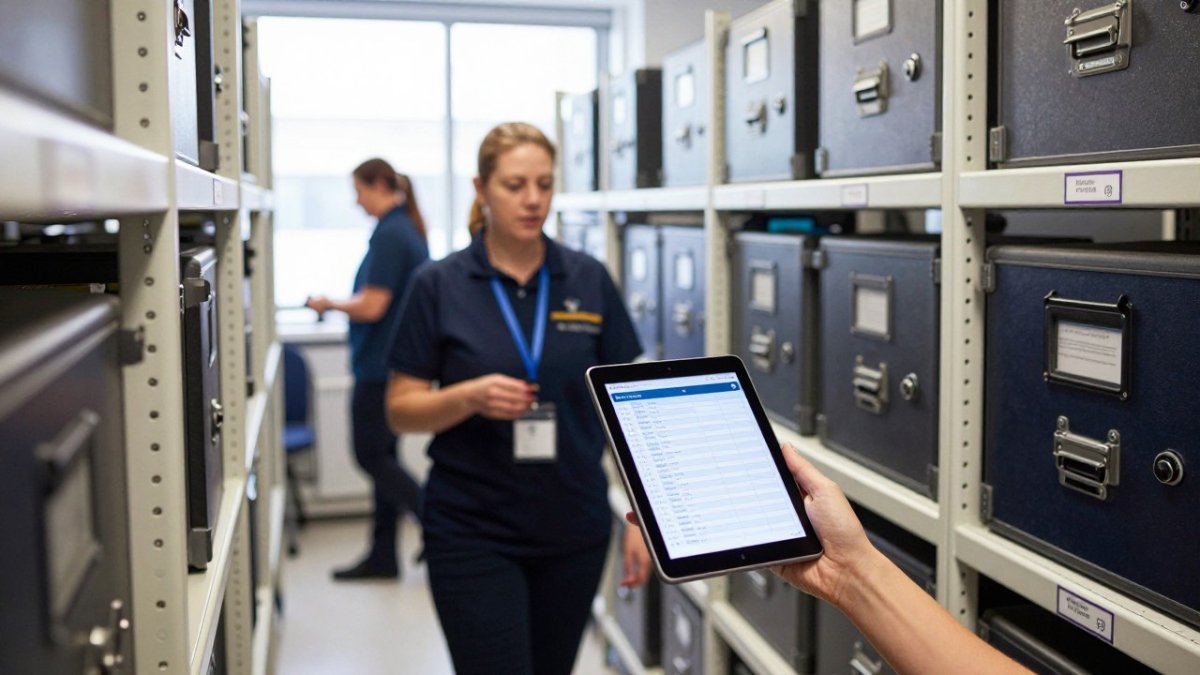
A Harrogate office team that walks the building with a tablet and checks each labelled item against a live list will find problems in minutes rather than days. The software does not do the work on its own, but it removes the manual steps that consume the time.
Research on a different field supports the principle. A short published report describes a positive return on investment for automated dispensing cabinets and proposes a simple method for tracking ROI, which you can adapt to asset tracking (Return on investment: a practical calculation tool, PubMed Central).
How to Calculate Asset Tracking ROI, Step by Step
Use this method with your own figures:
- Estimate annual labour savings. Multiply hours saved per year by the hourly staff cost.
- Estimate annual loss reduction. Multiply assets currently lost per year by the average replacement cost, then subtract the loss you expect after tracking.
- Add audit savings. Multiply audit hours saved by the hourly cost.
- Total the annual benefits.
- Total the annual costs. Include recurring fees and an annual share of set-up costs.
- Calculate ROI. Use: (Annual benefits minus annual costs) divided by annual costs, then multiply by 100.
Vendor calculators can speed this up. Thinxtra provides a calculator for its own IoT asset-tracking products (Thinxtra ROI Calculator), and AssetPanda offers one that estimates time savings (AssetPanda ROI Calculator). Use them to check your manual result, and note that they are built around the vendor's own product.
Asset Tracking Payback Period and Sensitivity
The payback period is the time it takes for cumulative savings to cover the initial investment. Divide the total set-up cost by the monthly net benefit to estimate it in months.
Estimates are sensitive to assumptions. Test your result by changing the most uncertain inputs, such as loss rate and hours saved. If the ROI stays positive when you assume lower savings, your case is strong. If a small change wipes out the return, verify those inputs before you commit.
Checking Your Estimate Against Real Results
An estimate is only useful if you check it. After implementation, measure the same inputs you used at the start: hours spent on tracking, assets lost, and audit preparation time. Compare these against your baseline after three, six and twelve months.
If real savings fall short, look at adoption first. Tracking tools only save money when staff use them consistently. If you need help setting up the calculation, or want to review your figures before you buy, contact Hamilton Group via its website for a quote and discussion about your IT assets. Consistent use makes the savings calculation more reliable, and the same discipline can help assess the return on sales consulting with The Tonkin Group.
Frequently Asked Questions
How do you calculate the ROI of asset tracking?
Divide the net gain from asset tracking, meaning annual savings minus annual running costs, by the total cost of the system, then multiply by 100 to get a percentage. Savings should come from measurable sources such as reduced time spent on audits, fewer lost or duplicated assets and lower replacement spend. Use the figures from your own records wherever possible, and treat vendor claims as starting assumptions to test rather than guaranteed results.
How long does it take for asset tracking to pay for itself?
The payback period is the total upfront cost divided by the monthly net saving, which tells you how many months it takes for savings to cover the investment. Payback depends heavily on how many assets you track, how often they go missing today and what your staff time costs. Build a conservative estimate first, then compare it against what you actually observe in the first few months after implementation.
What costs should an asset tracking ROI calculation include?
Include the one-off implementation cost, any hardware such as tags or scanners, training time, ongoing software subscription fees and the internal hours spent administering the system. Leaving out recurring costs is the most common reason an estimate looks better than reality. Pricing varies with the number of assets and users, so request a quote from Hamilton Group for current figures rather than relying on published examples.
What information do I need to use an asset tracking ROI calculator?
You will need the number of assets, how many hours staff currently spend tracking and auditing them, an hourly labour cost, the average value of assets lost or replaced each year and your current loss rate. You should also have your expected software and hardware costs. Gather these from your own records where possible, as accurate inputs matter far more than the calculator itself.